Using Kameleo with IPRoyal proxy

-
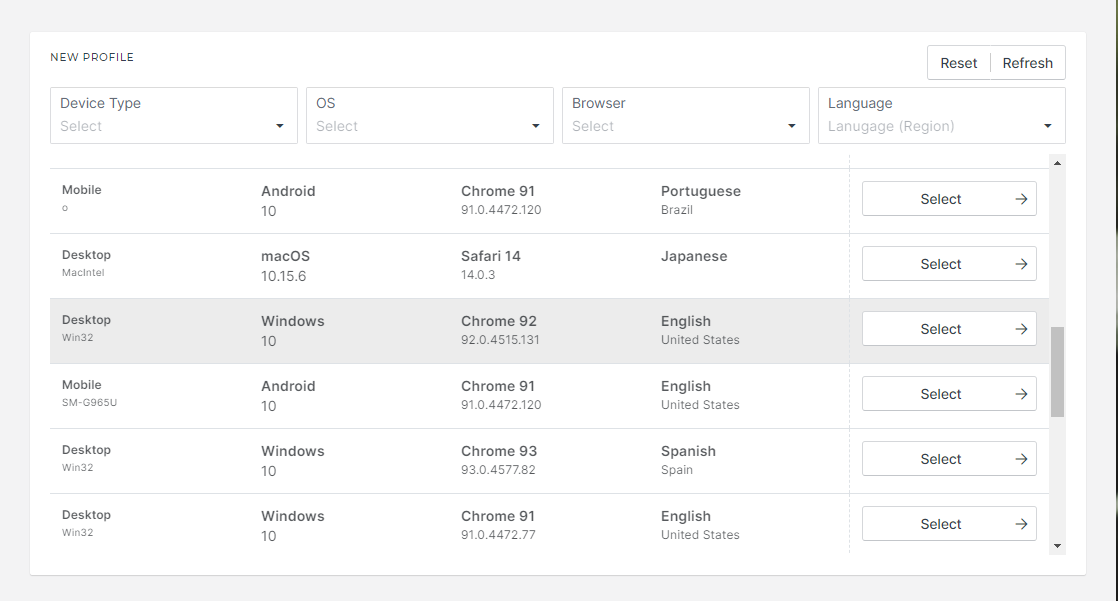
Click on New Profile and select a preferred profile.
-
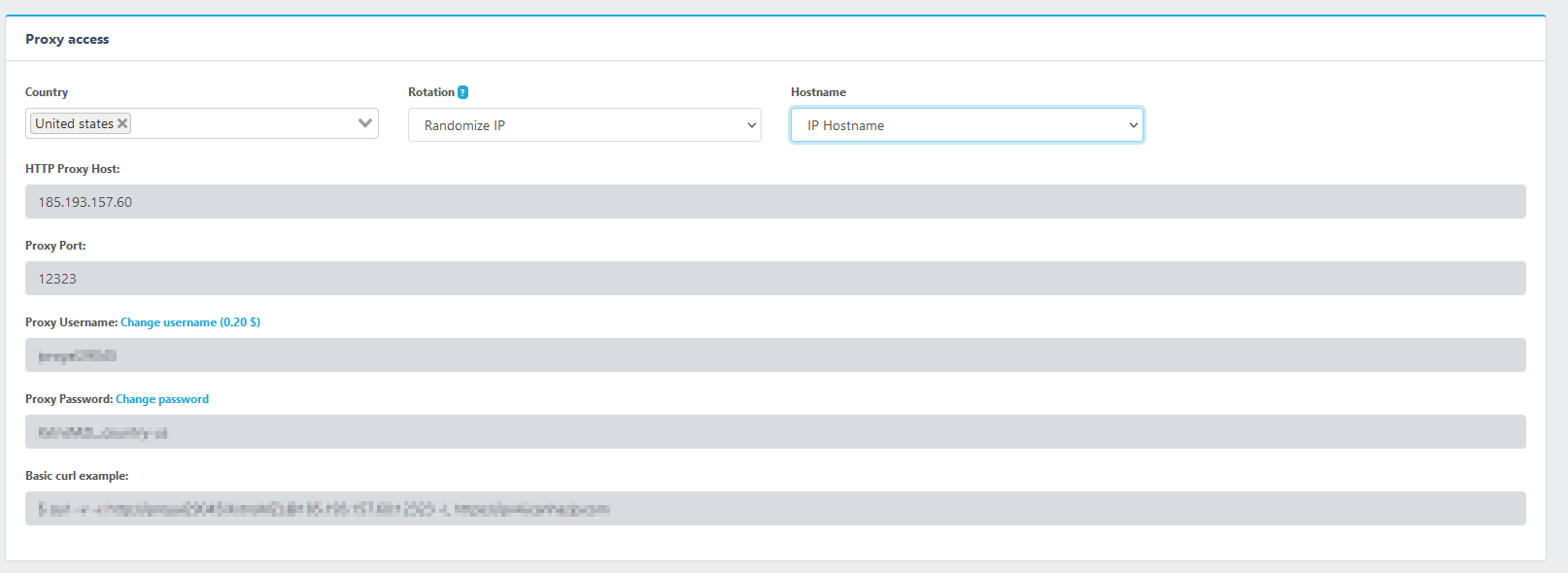
Go to the https://iproyal.com/ site and click on Client Area. After login, choose the preferred proxy product. Then you can select the country of origin, rotation type (automatic or sticky), hostname type, and the session duration (up to 24 hours) for sticky sessions.
-
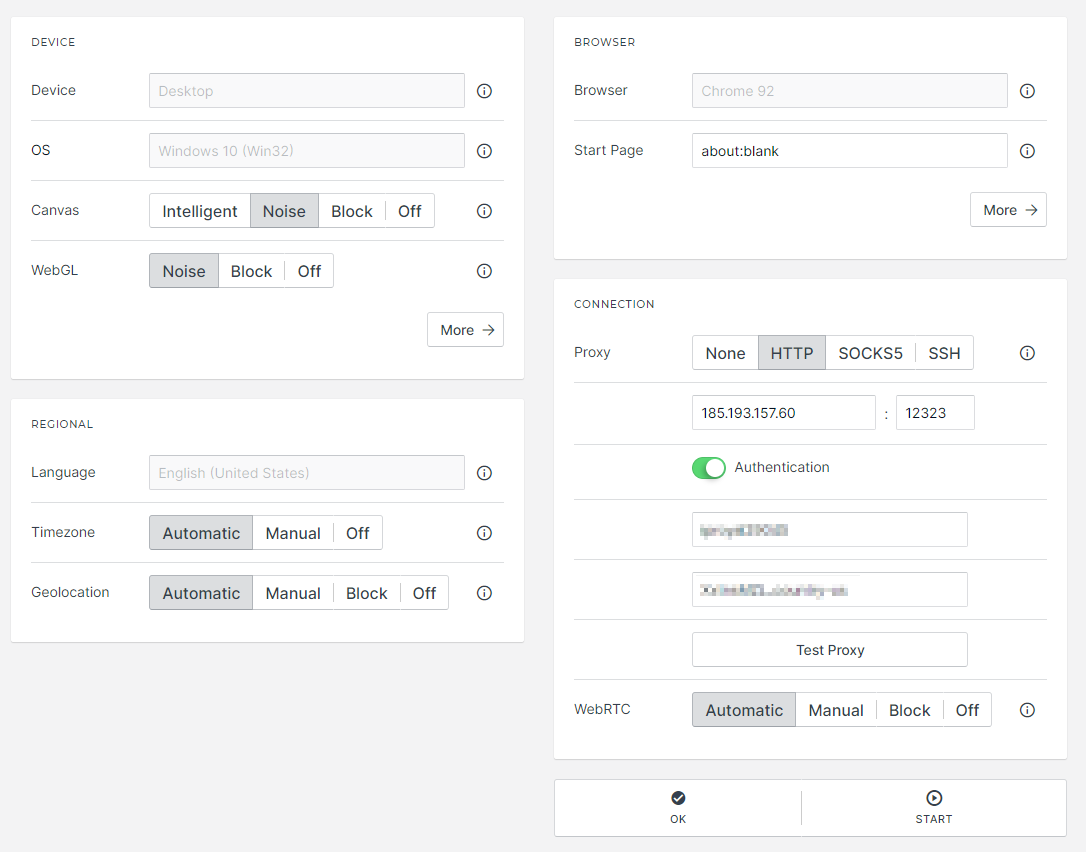
Just copy and paste the required data to Kameleo. By clicking on Test Proxy, you can check that everything is correct. Leave everything on Automatic, then Start the profile.
- Surf the web with IPRoyal’s own global network of real users for 100% authenticity.
