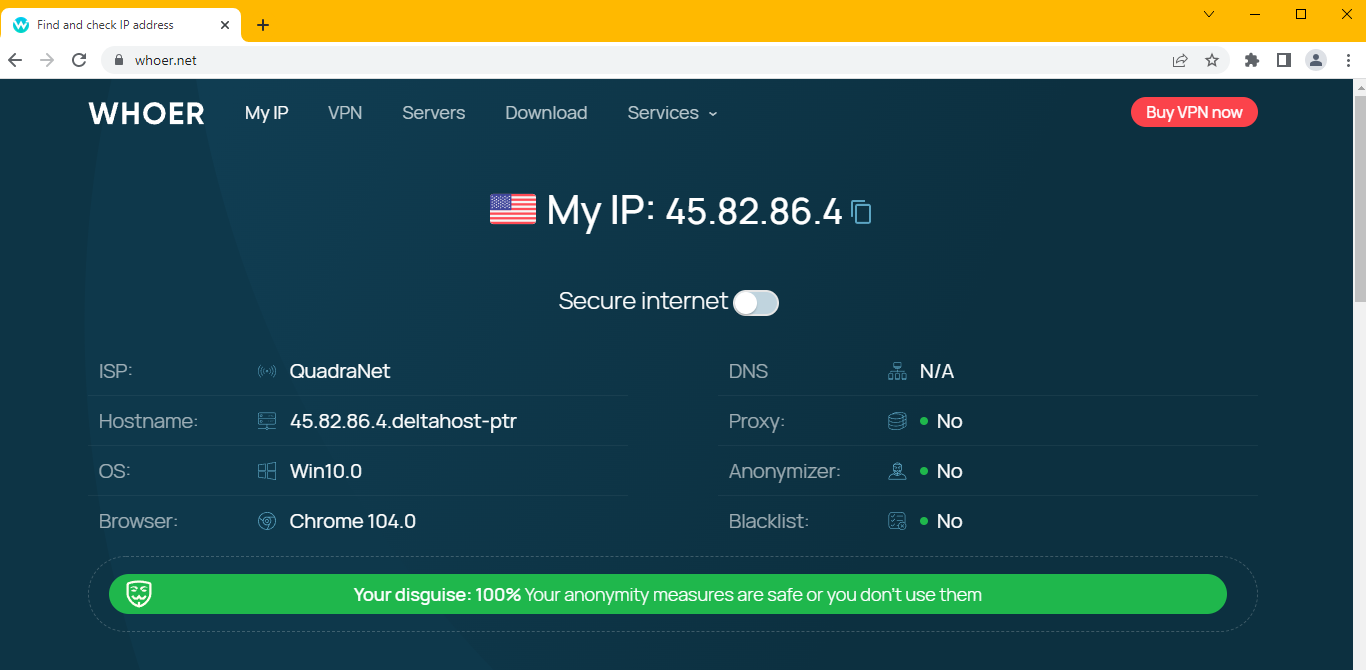
Using Kameleo with ProxySale

Let me show you how you can connect with Kameleo in easy steps.
-
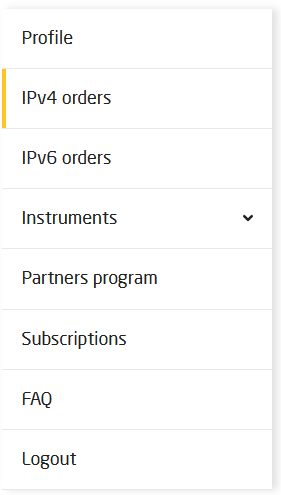
After purchasing the selected proxy and if you are logged in, click on the preferred IP version on the menu.
-
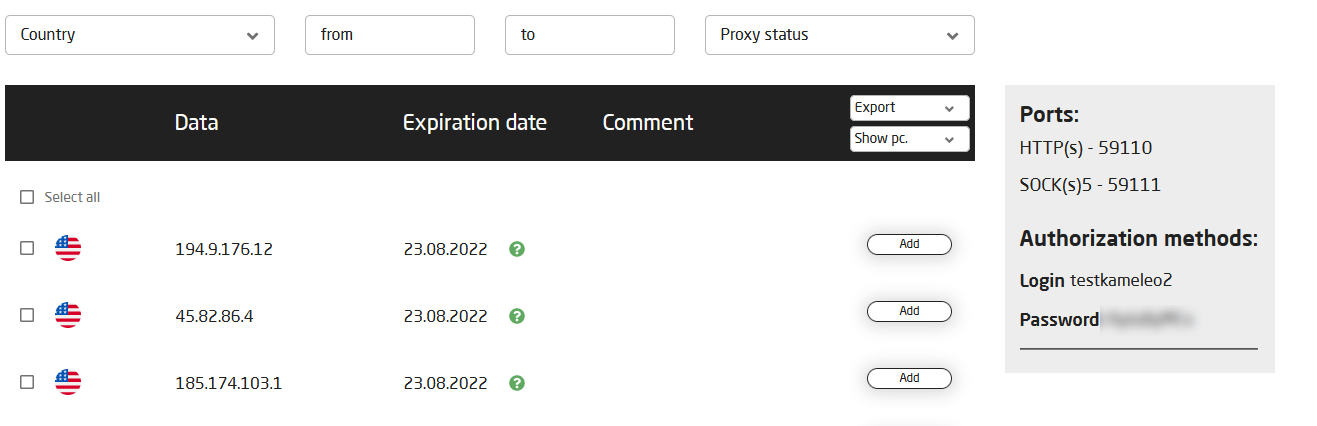
You can already see the details of your purchased proxies. You can see on this board everything you need: IP, port (select HTTP(S) or Socks5) and the authorization fields.
-
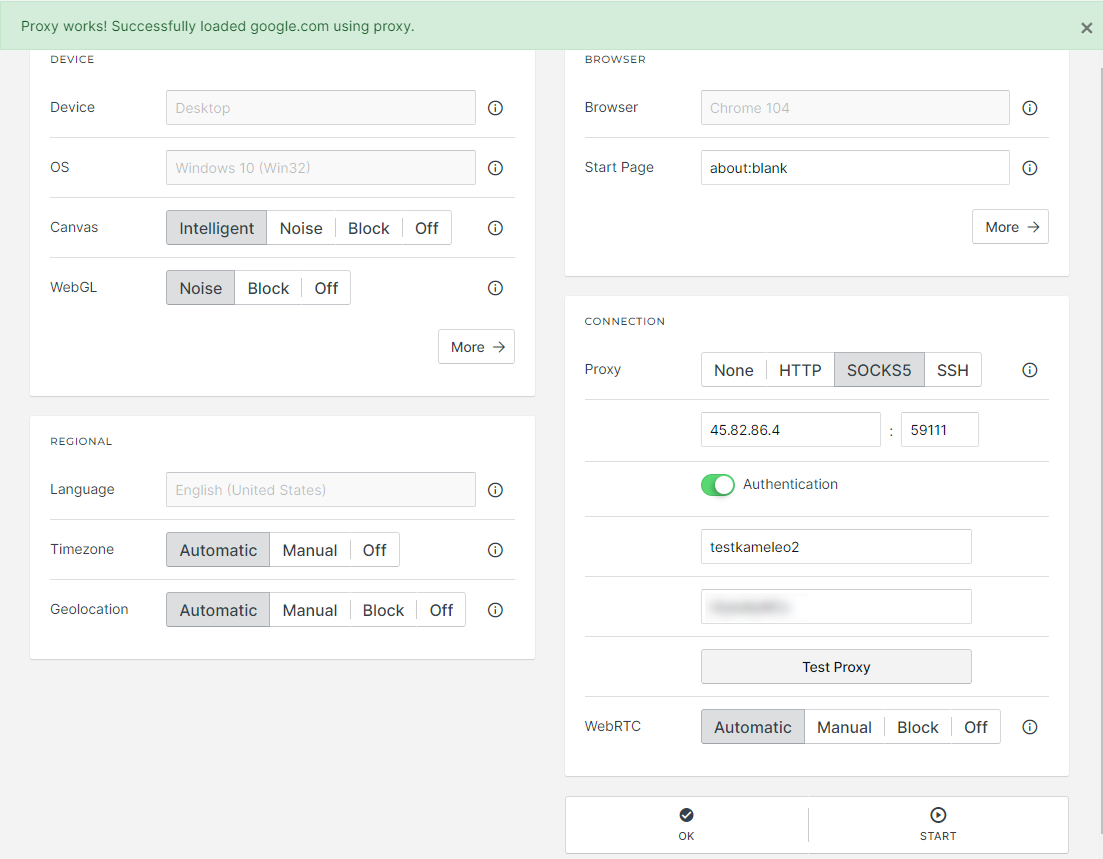
Just copy and paste the data to a new profile page in Kameleo. The new profile needs to match the country of the purchased proxy.
-
And just enjoy full anonymity with Proxy-Sale.com.