Using Kameleo with iProxy.online
iProxy is a service offering a unique method to establish a mobile proxy using an Android device, available through a fixed monthly subscription. It provides features such as remote IP address change, the creation of multiple proxy access points from one phone, automatic IP address changes, and a Telegram bot for notifications and management. Supporting both SOCKS5 and HTTP proxies, it boasts high speeds and passive OS fingerprinting capabilities. It's positioned as a cost-effective solution for setting up reliable mobile proxies without traffic control.
If you are new to iProxy, we suggest watching their pretty spot-on onboarding video:
If you feel confident, you can jump right into our guide!
-
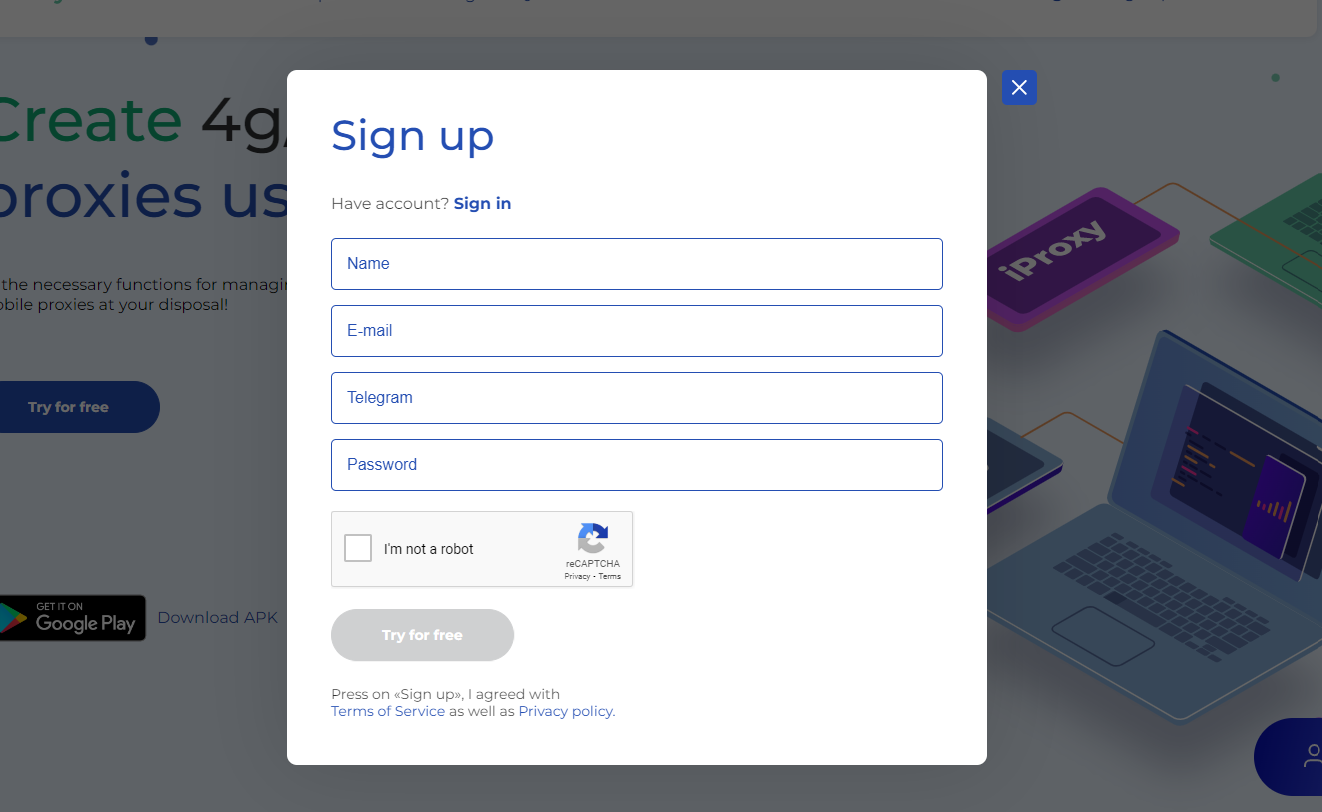
If you haven't already, sign up for iProxy on their website
-
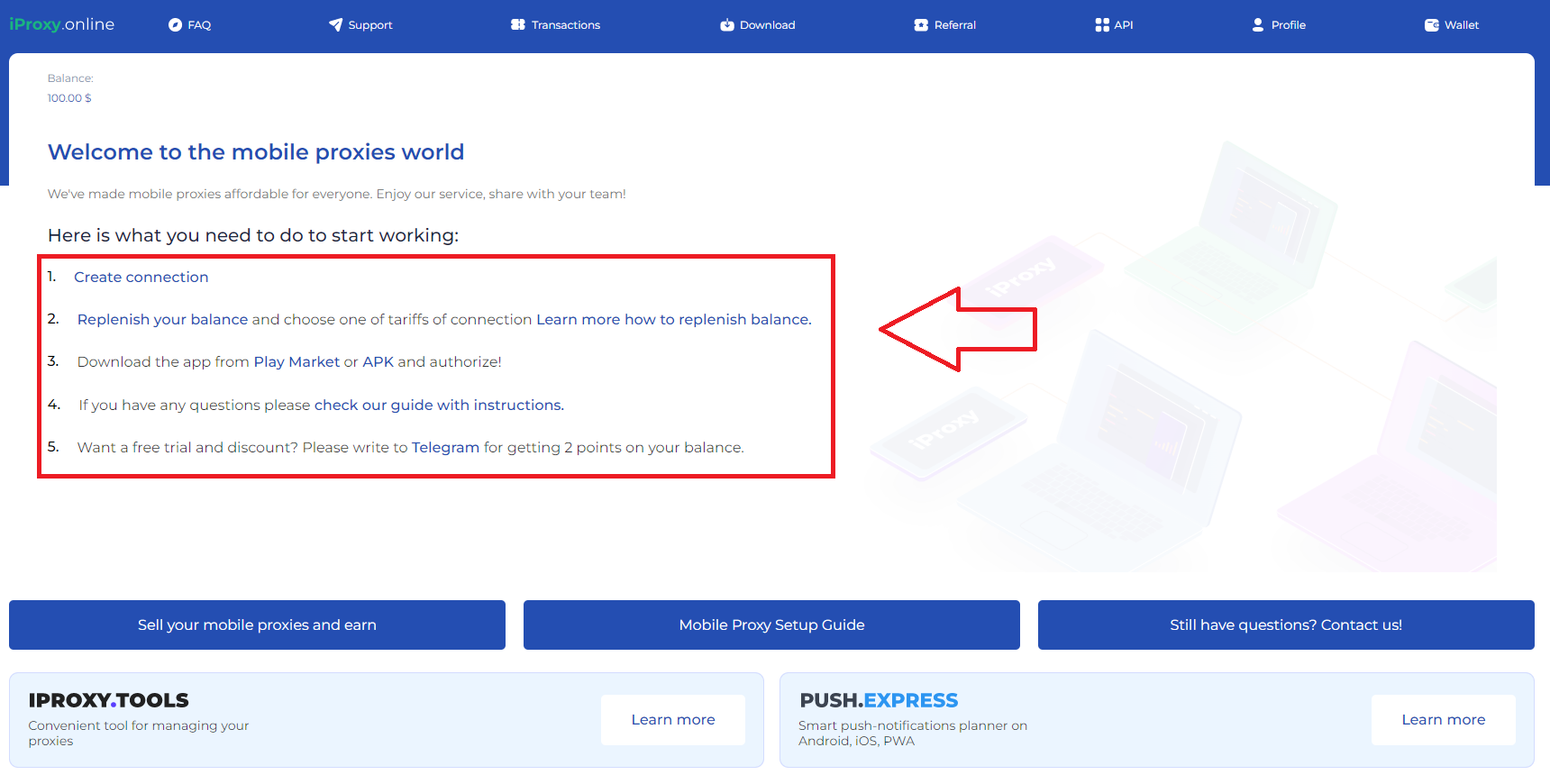
Create your first proxy
-
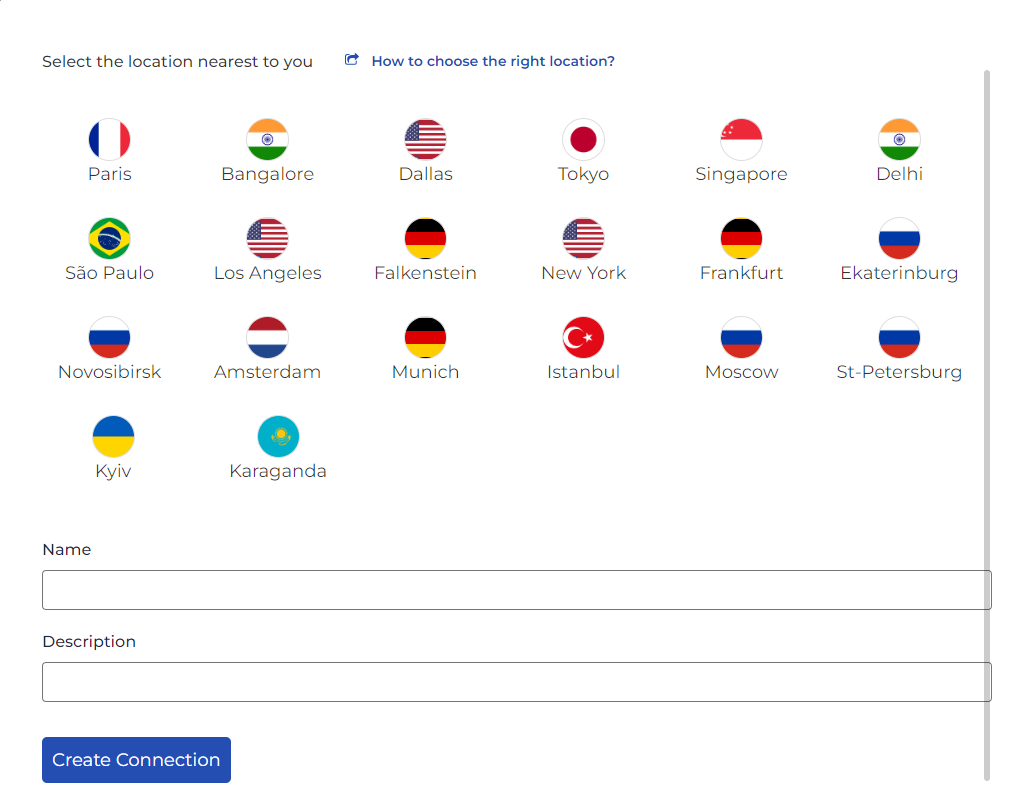
Select the location nearest to you and name the connection
-
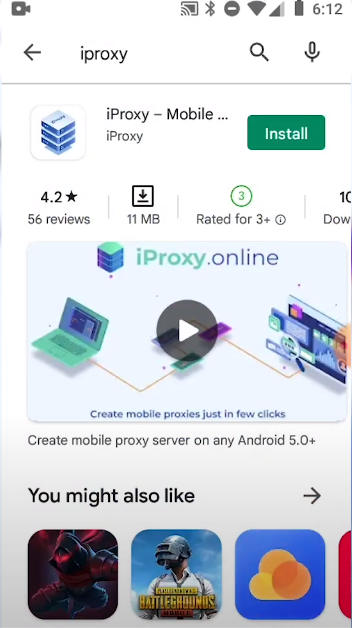
Download the iProxy Android app from the Play Store
-
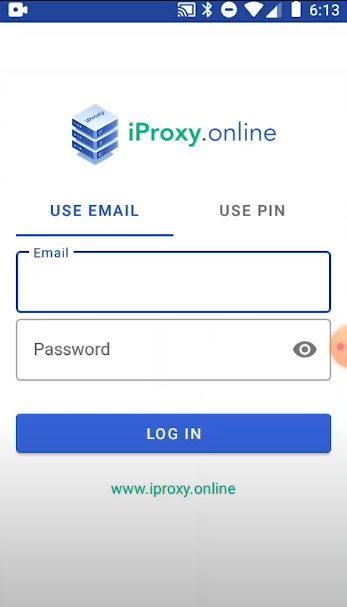
Install it, log in with your credentials.
-
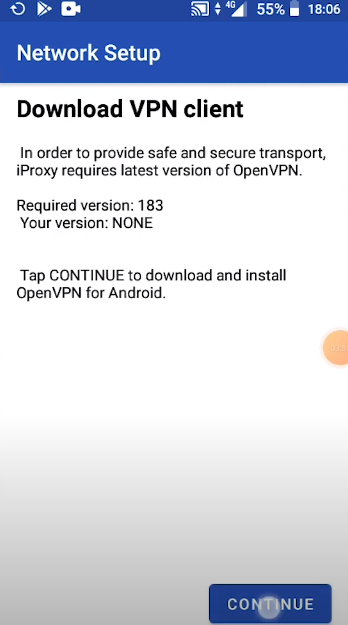
Configure OpenVPN by following a few easy steps through the iProxy app
-
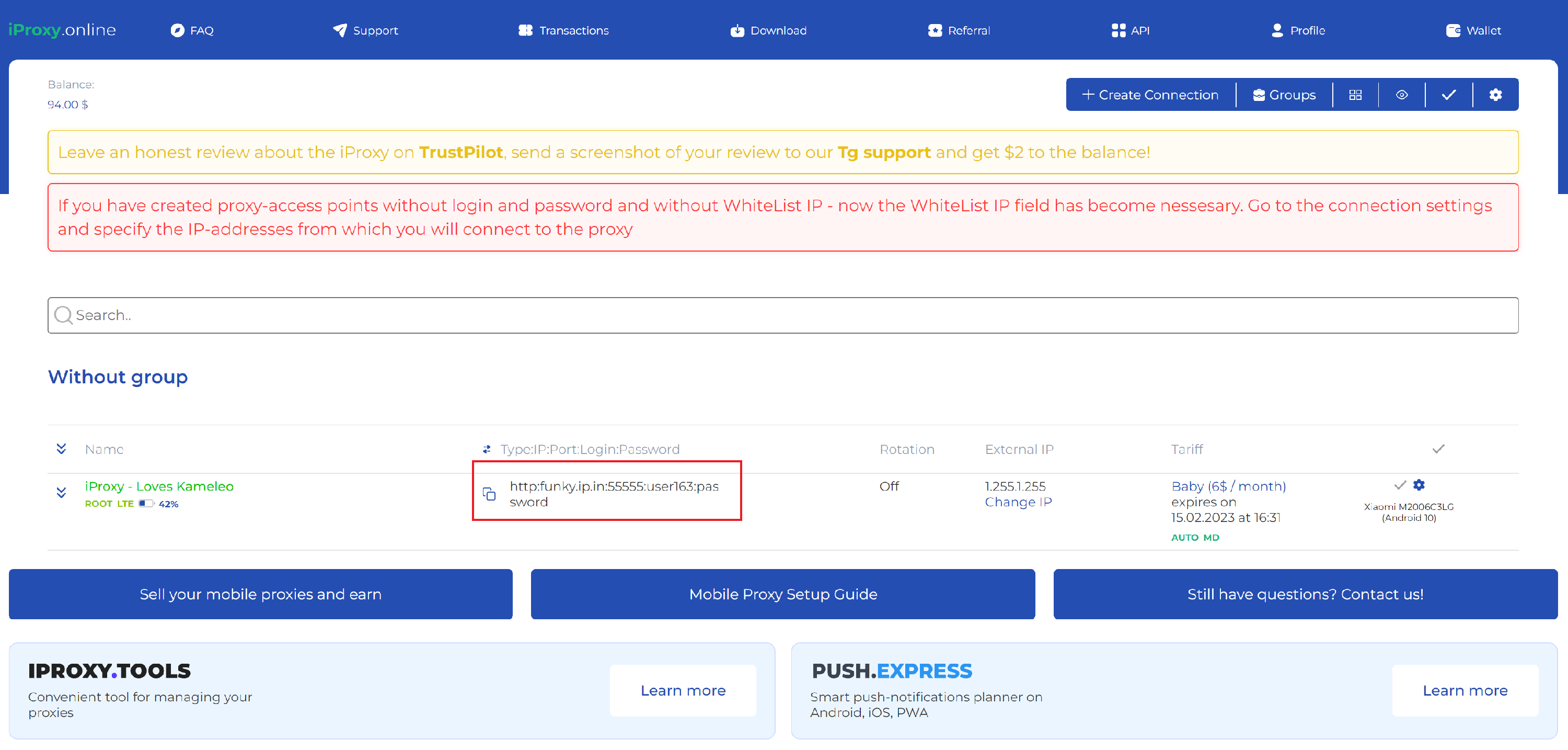
You should be seeing something like this in your web iProxy profile (the connection turns green)
-
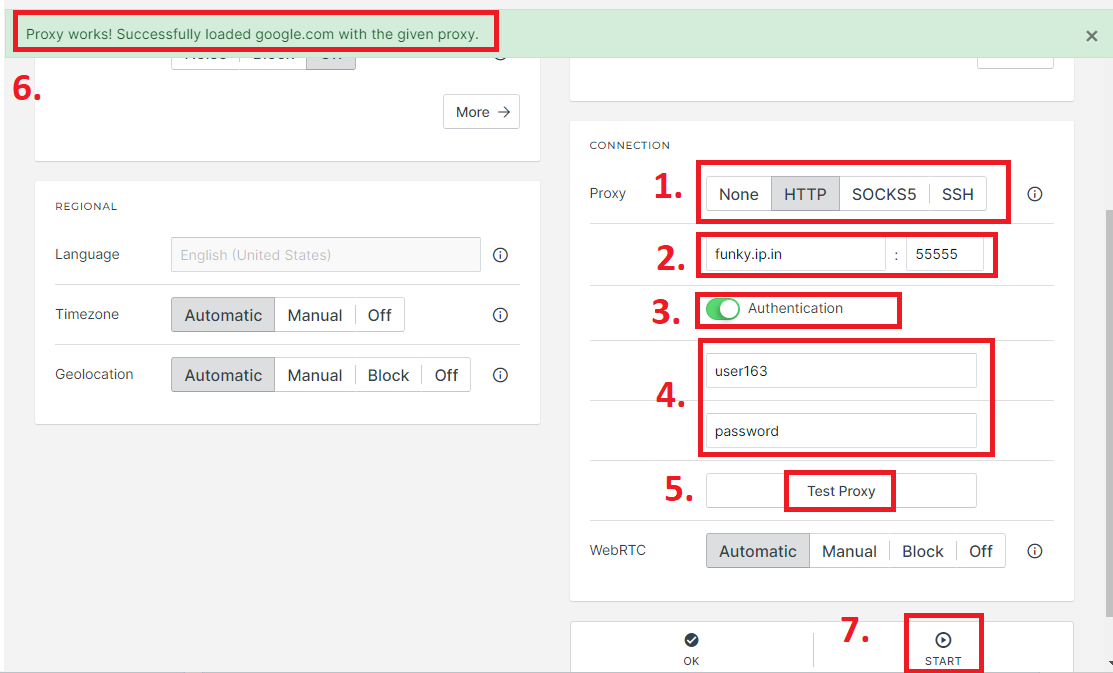
Copy proxy info to Kameleo and test it
-
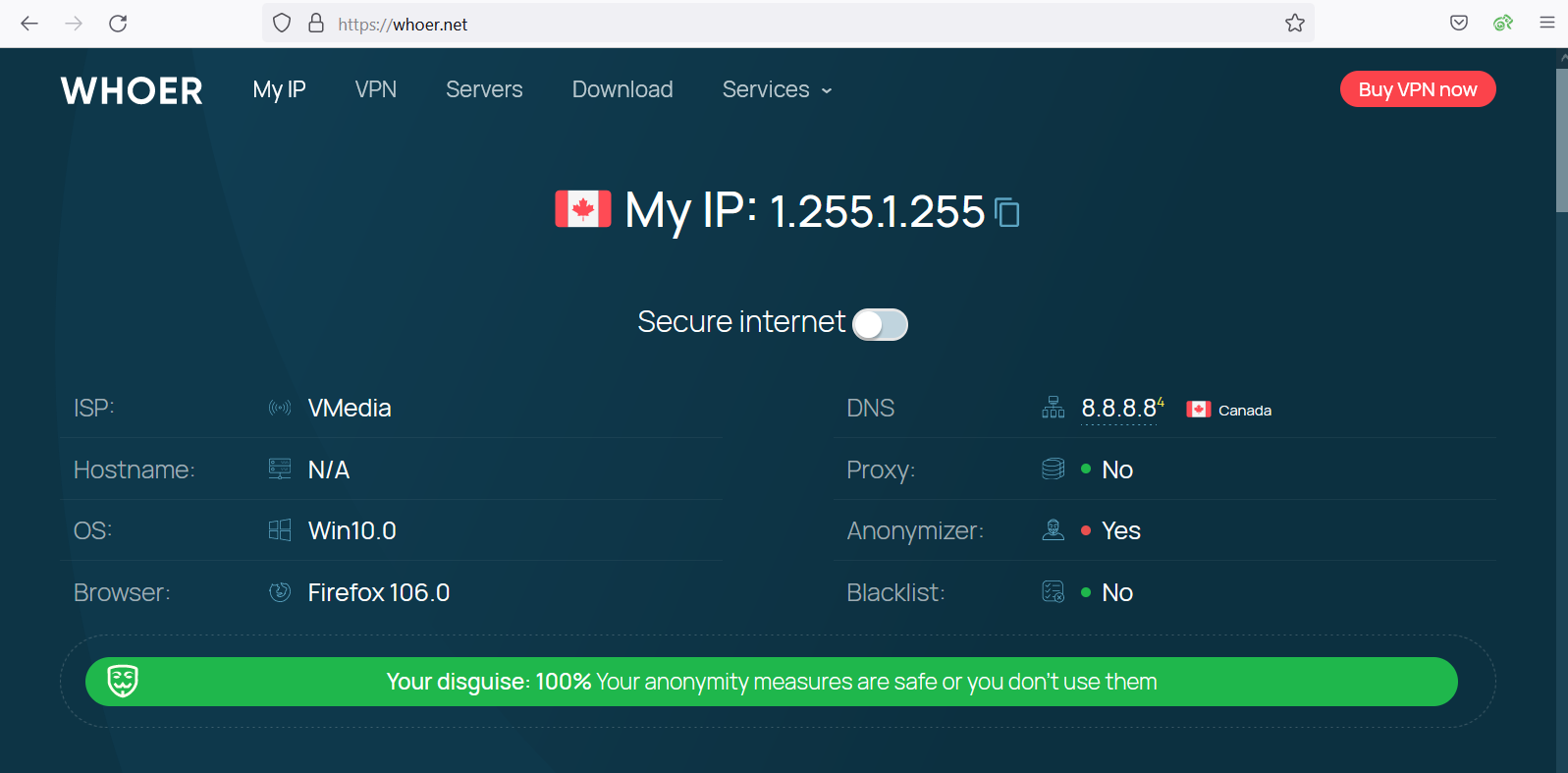
Enjoy your new proxy 😎
If you’d like to learn more, visit their website here: iproxy.online