Resetting your Password
Here's a general approach to resetting a password:
- Navigate to the login page
-
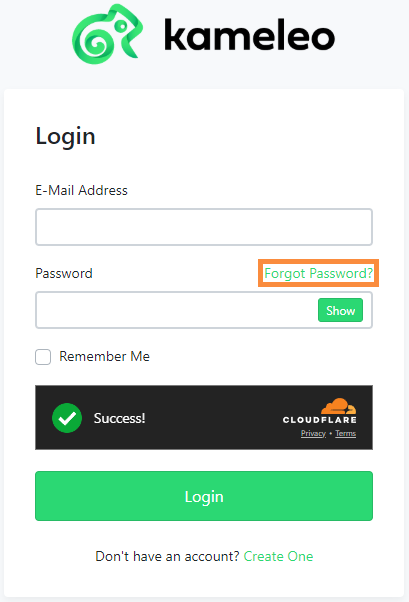
Look for a "Forgot Password?" link/button on the login form and proceed by clicking on it.
-
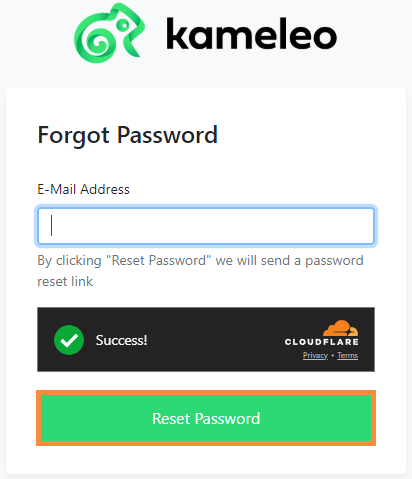
Provide the email address associated with your Kameleo account, and proceed by clicking on the green “Reset Password” button.
-
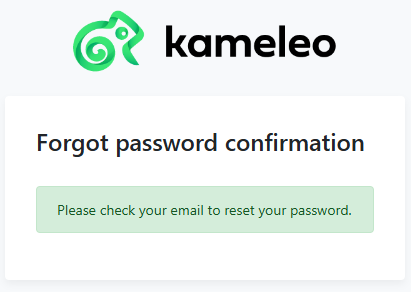
You will see a confirmation prompt, at which point you can check your email inbox for a password reset link or instructions. It might take a few minutes for the email to arrive.
- Click on the password reset link provided in the email and follow the instructions to reset your password.
-
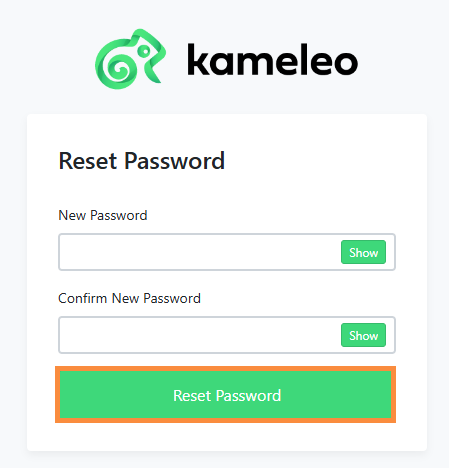
Enter a new password, and confirm it. Afterwards simply click on the "Reset Password" button.
-
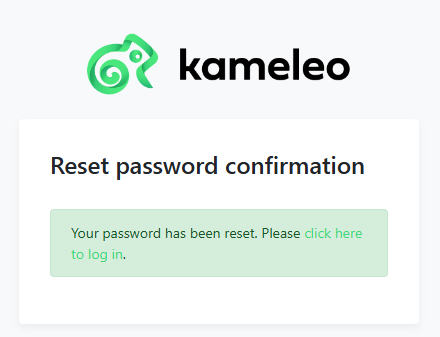
A new confirmation window will appear, letting you know that the password has been reset, and that you can attempt to log in again via the initial URL - https://login.kameleo.io/Account/Login
If you have any trouble with the outlined steps, please feel free to contact our Support Team for additional help.